
Introducing the Control System Commissioning Guide
Every control system programming project now ships with a Control System Commissioning Guide: one document that walks the touch panel interface page by page, lists what the site must have in place, and sets out the tests that prove the system works.
Request a Demo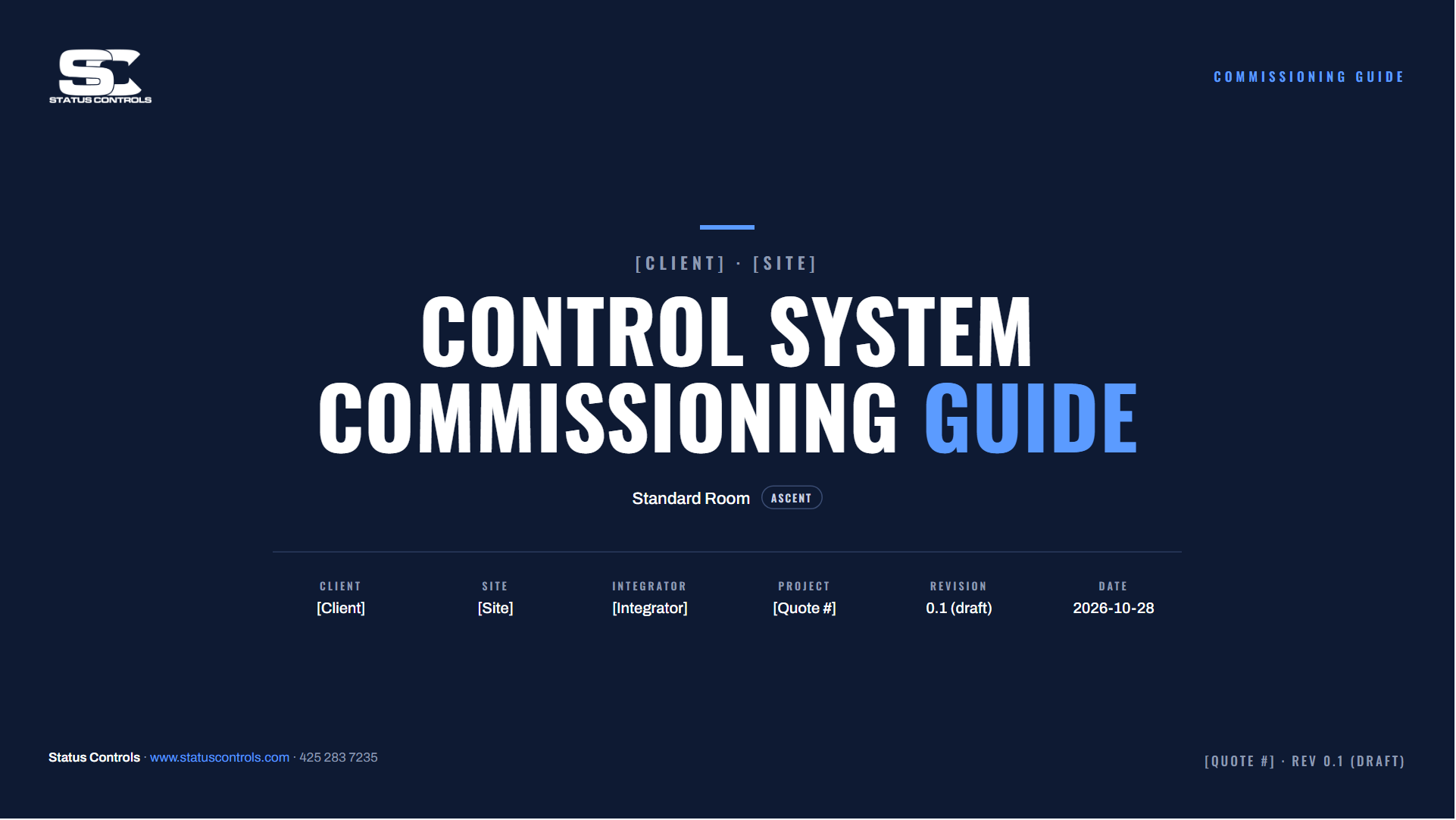
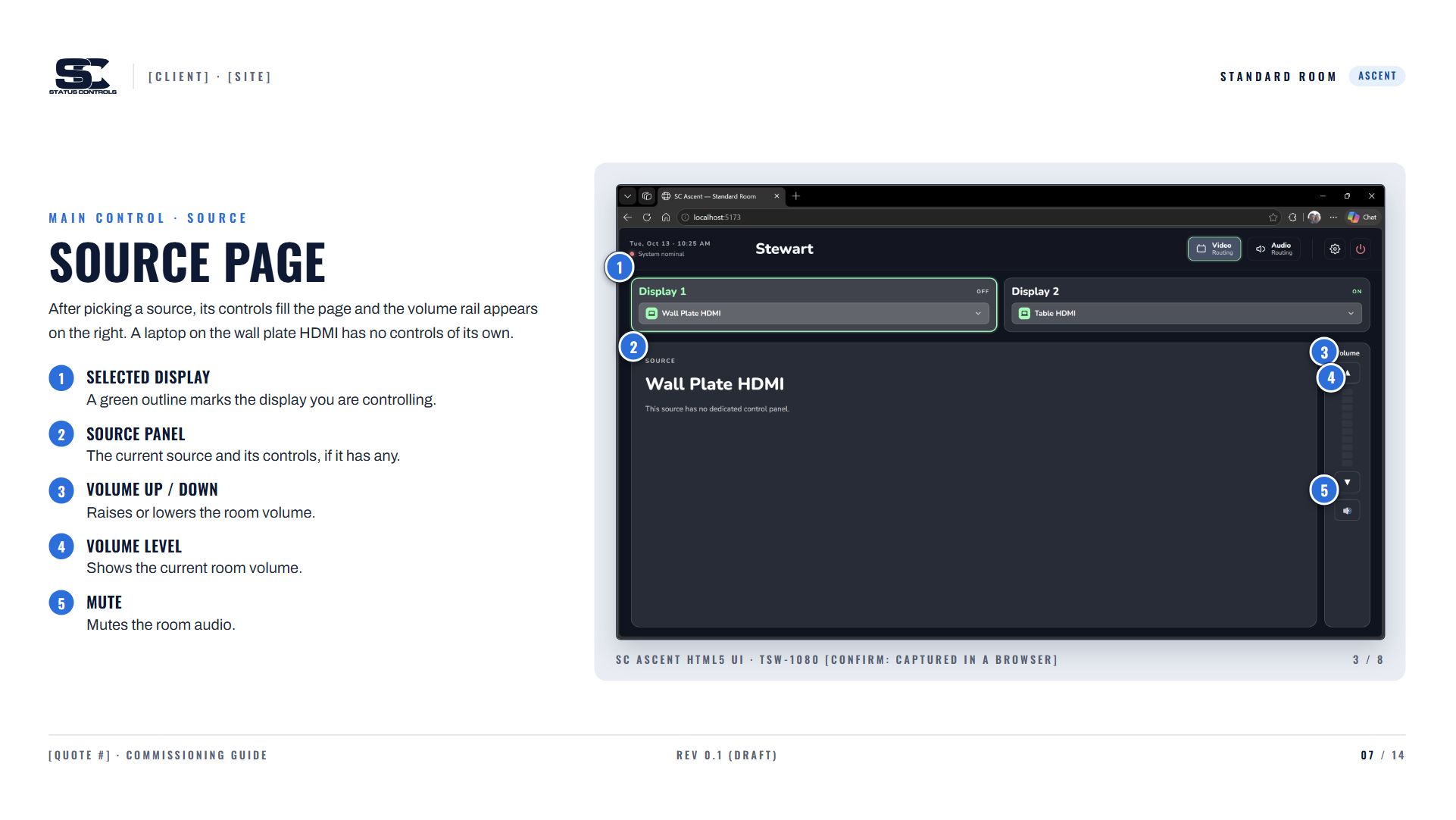
Every screen, explained
Each page of the touch panel is captured and marked with numbered callouts: what every button does, where the volume rail sits, and how sources like Cable TV and Zoom are controlled. Technicians and end users see exactly what the room will do before they walk into it.
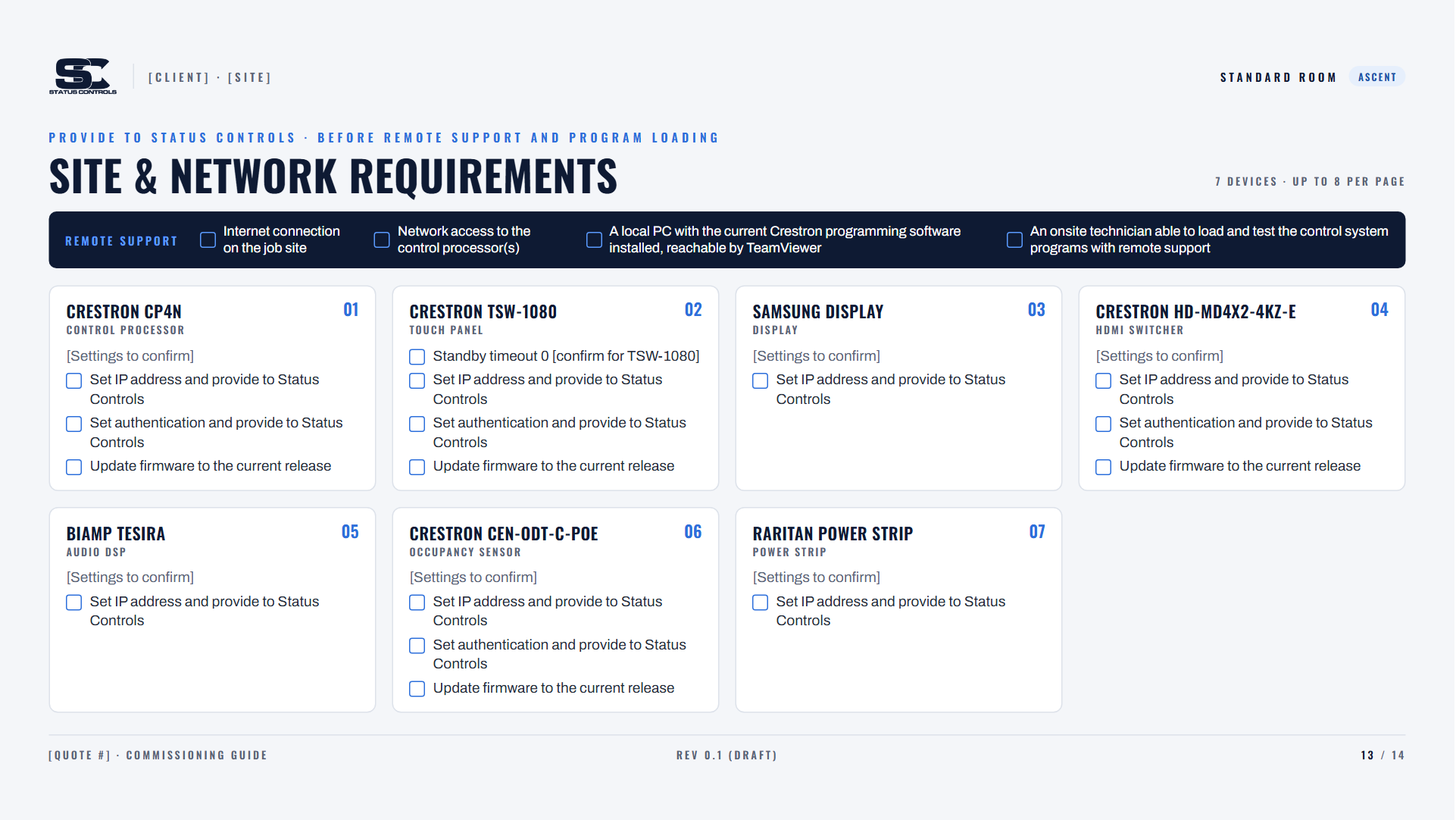
What the site needs before we connect
A checklist for every device in the room, from the control processor and touch panel to the displays, DSP and power strip: IP addresses, authentication and firmware, plus the internet access, local PC and onsite technician needed for remote program loading.
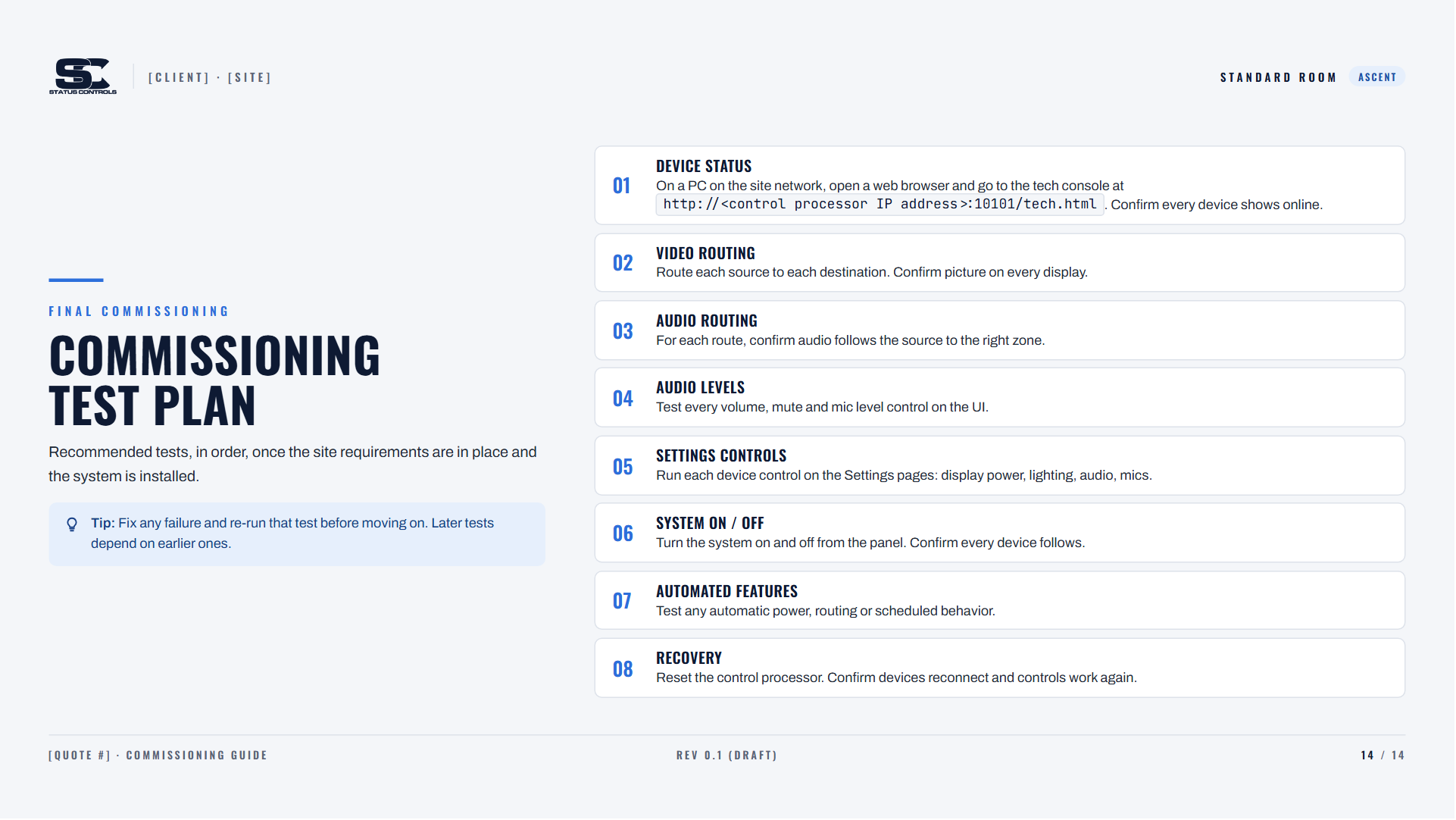
A test plan that proves it works
Eight tests, run in order once the system is installed: device status, video and audio routing, audio levels, settings controls, system on/off, automated features and recovery. Fix any failure and re-run that test before moving on.
See Ascent in Action
Schedule a personalized demo to see how Ascent can streamline your Crestron operations across all your locations.
Contact Us